
Game Room Distributors › Backend
Game Room Backend Login Routine
Your Game Room backend is the desk where credits move. This page names each tool in plain words so a first shift does not stall on menus.


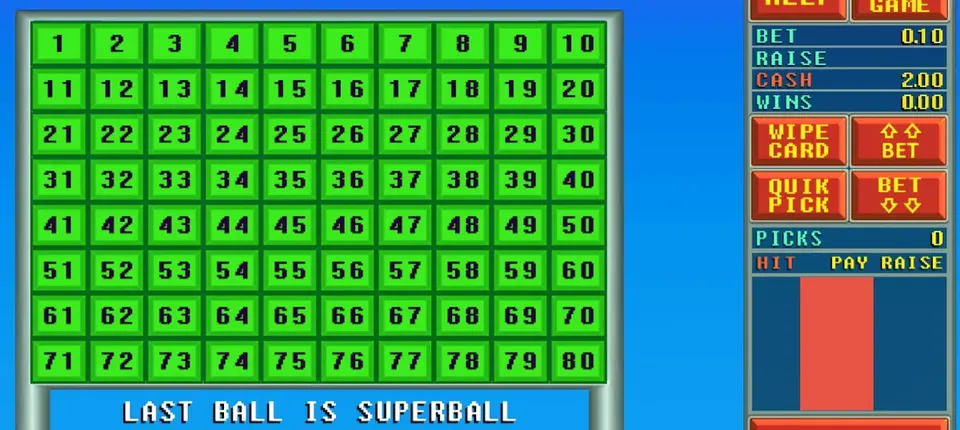

What the backend is
Players see the games. You see the backend. Think of it as a private website that opens once you type your agent name and password. Inside it you open player logins, top them up, pull the balance back when someone cashes out, and scroll back through every action on record.
Think of it like a shop till. Your credit balance is the cash drawer. Every time you load a player, money leaves the drawer. Every time you redeem a player, it comes back. If the drawer and the records match at night, your day went well.
Logging in safely
- Use the backend link we give you. Bookmark the address so a typo never sends you to the wrong place.
- Pick a strong password that you do not use anywhere else.
- Do not share your agent login with staff. If someone helps you, ask us about a sub-agent account instead.
- Log out on shared computers.
If you forget your password, message us. We will check that the request is really from you before we reset it.
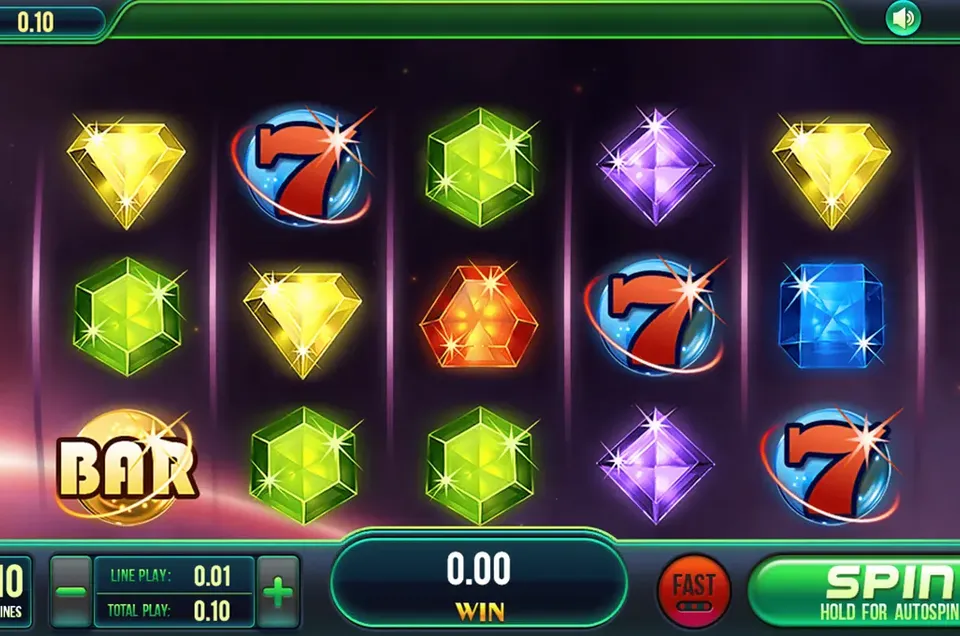
The main sections
Player list
This shows every player you created, their current balance and whether the account is active. Use a naming pattern you can read later, for example a short name plus the last digits of their phone. Avoid random names; you will not remember who "abc123" was next month.
Recharge (load)
Pick a player, type the amount and confirm. The amount leaves your balance and goes to the player. Check the number twice before you press confirm. Typing one zero too many is the slip beginners make most often.
Redeem (cash out)
If a player is done and wants their winnings, pull that balance out of their login. The amount returns to your balance. Always redeem in the backend first and pay the player second, never the other way round.
Reports and history
Every load and redeem is recorded with a time. Use the history to answer player questions such as "did my load go through?" It is also how you check your own day.
A simple daily routine
- At opening, write down your starting balance.
- Record every cash or online payment you receive next to the player name.
- At closing, open the history and add up loads and redeems.
- Starting balance minus loads plus redeems should equal your current balance.
- If it does not match, find the difference today, not next week.
When you run low on credits
Do not wait until you hit zero on a busy night. Watch your balance and refill early. The buy credits page explains how a top-up works.
Common problems and fixes
- Player cannot log in: check the account is active and reset the player password from the player list.
- Load went to the wrong player: redeem it from that player straight away, then load the right one.
- Balance looks wrong: open the history and filter by today. Message us with a screenshot if you still cannot see why.
For settings beyond daily work, such as sub-agents and permissions, read the admin panel page.
Backend questions
Is the backend the same as the admin panel?
They are the same system. We use backend for the daily work of loading and redeeming, and admin panel for the settings and staff side.
Can I use the backend on my phone?
Yes, it opens in a phone browser. A laptop is easier for long lists and reports.
What if I load the wrong amount?
Redeem the extra amount from that player at once. The history keeps a record of both steps.
Who can reset my agent password?
Message us. We confirm it is you before we reset anything.
Do I get a test account?
Yes. New agents get an empty account to check before paying.
More Game Room guides
Admin Panel
Settings, sub-agent logins, passwords and the habits that keep your panel safe.
Read the admin panel guide →Distributor
How shop owners and online sellers start, and how to grow with agents under you.
Read the distributor guide →Buy Credits
How a prepaid top-up works, from your first message to credits in your account.
Read the buy credits guide →API & Agents
Connecting Game Room to your own site or app, and the tools agents use.
Read the api & agents guide →Need more games than Game Room?
Game Room Distributors is one of the Gamebridge API sites. The main site lists every system we can set up for you.